-
News & Trends -
Sales -
Marketing Related Topics -
B2B Software Guides Related Topics -
Free Tools & Resources -
- About Us About Us
Choosing a content management system (CMS) can impact your marketing effectiveness. Your website serves as the hub of your content strategy, so the CMS you select influences how quickly you can publish, personalize experiences, and support sales.
While some teams need a simple website builder, others require a platform that combines landing pages, CRM data, automation, and analytics. Therefore, this guide compares the six best CMS platforms for marketers today.
I chose each option for its relevance to marketing workflows, scalability, and ease of use. Whether your focus is website design and creative flexibility or digital experience management and newsletter marketing, this list will help you select a CMS that strengthens your strategy and supports growth.
You can also use this overview as a starting point, then explore each provider card to understand their strengths, limitations, and ideal use cases.
| Best CMS software providers | Best for | Monthly starting price |
| Wix | Website development | $17 |
| Squarespace | Creative personalization | $25 |
| Optimizely | Digital experience management | Contact sales for pricing |
| HubSpot Content Hub | Business integrations | $20 per seat |
| WordPress | Affordable plans | $9 |
| Ghost | Newsletter production | $18 |
| Best CMS software providers | My score | Key features | Headless CMS options |
|---|---|---|---|
 | 4.68/5 | Marketing suite Ecommerce platform Multi-cloud hosting | ✔ |
| Visit Wix | |||
 | 4.26/5 | Customizable templates Free website domain Squarespace AI | 🗙 |
| Visit Squarespace | |||
 | 4.06/5 | Digital asset management Content approval workflows Semantic search | ✔ |
| Visit Optimizely | |||
 | 3.95/5 | Drag-and-drop editor Content library Third-party integrations | ✔ |
| Visit HubSpot Content Hub | |||
 | 3.88/5 | Site activity log Unlimited users and pages Jetpack Search | ✔ |
| Visit WordPress | |||
 | 3.84/5 | Email newsletters Whitelabel branding Social web distribution | ✔ |
| Visit Ghost | |||
Wix is best for marketing teams that want an easy-to-use website builder with integrated marketing tools.
Wix is the best fit for marketing teams that want a reliable, scalable CMS without heavy technical overhead.
The platform stands out for its AI creation tools, multi-cloud hosting, and marketing suite, which helps small and mid-sized teams publish content quickly and maintain consistent performance as they grow.
While it isn’t the most customizable system, Wix remains a dependable solution for teams that value efficiency and simple site-building tools.
Wix lets you start on a free plan and upgrade when you are ready. Therefore, the following table reflects the cost of paid website plans, with prices varying by location.
| Plans | Starting price |
| Light | $17 |
| Core | $29 |
| Business | $39 |
| Business Elite | $159 |
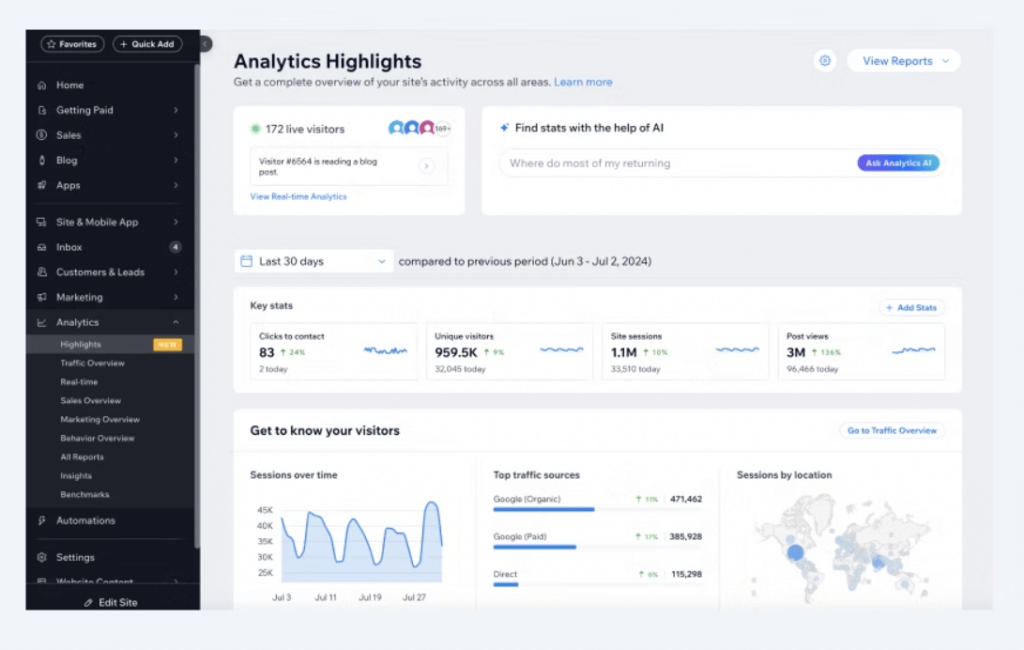
View analytics across sites, including visitor activity and traffic sources. (Source: Wix)
Squarespace is best for marketers who care about brand aesthetics and high-quality, customizable templates.
Squarespace is a good fit for marketers who care about brand aesthetics and want a CMS that balances ease of use with elegant design. Its customizable templates, built-in AI assistance, and free domain make it easy for teams to establish a professional web presence without a heavy setup.
While it isn’t ideal for highly complex or technical builds, it’s great for solo-marketers and branding-driven teams that need a clean, intuitive environment for publishing content.
| Plans and Pricing | Monthly | Annually |
| Basic | $25 | $16 |
| Core | $36 | $23 |
| Plus | $56 | $39 |
| Advanced | $139 | $99 |
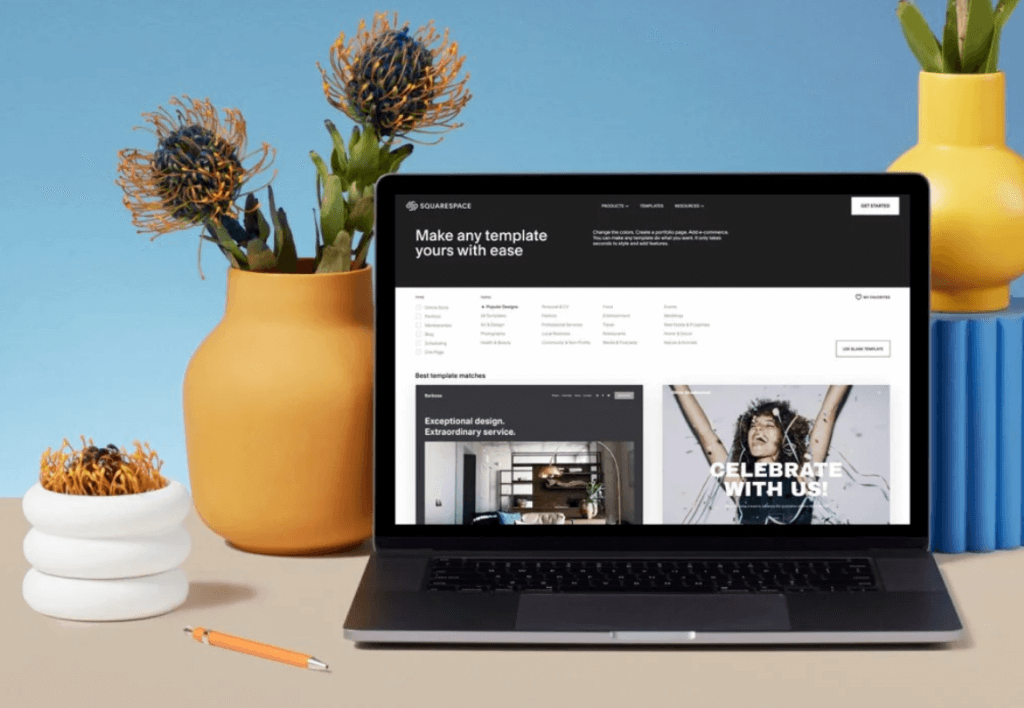
Use Squarespace’s customizable templates to build your website. (Source: Squarespace)
Optimizely is best for enterprise teams that want a digital experience platform with advanced features and strong personalization capabilities.
Optimizely is one of the strongest CMS platforms for enterprise teams that need advanced marketing capabilities, deep personalization, and robust governance.
I like it because the platform combines content creation, AI, analytics, automated workflows, and asset management in one cohesive environment. However, the lack of transparent pricing and the high overall cost means it’s not the best option for small to midsize teams.
Contact sales for enterprise pricing
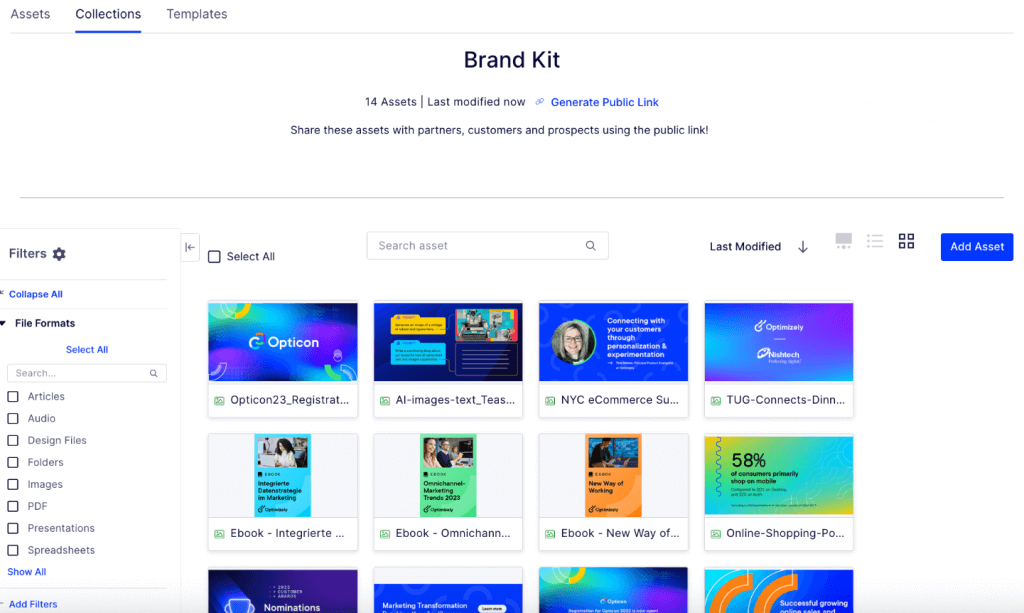
Create a brand kit with Optimizely to access and share digital assets. (Source: Optimizely)
HubSpot Content Hub is best for B2B marketing and sales teams that want their CMS tightly integrated with CRM, marketing automation, and sales tools.
HubSpot Content Hub is one of the best CMS options for marketers who already rely on HubSpot CRM or other third-party integrations. In many ways, the CMS is a natural extension of the HubSpot tech stack, with content, contacts, campaigns, and reporting all connected in one place.
The drag-and-drop editor, content library, and integrations also make it a strong choice for teams focused on lead tracking and pipeline visibility. However, HubSpot Content Hub is more expensive than other CMS platforms and may not be worth the cost when using tools outside of the ecosystem.
| Plans and Pricing | Monthly | Annually |
| Free | $0 | |
| Starter | $20 per seat | $9 per seat |
| Professional | $500 | $450 |
| Enterprise | $1500 | No annual pricing |
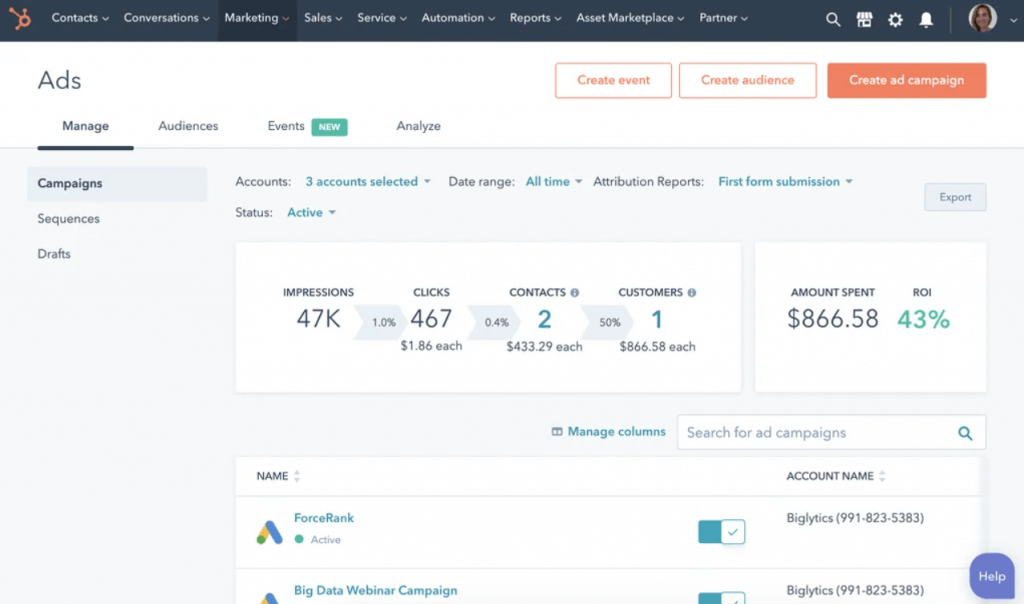
Keep track of marketing campaigns with HubSpot’s ad management. (Source: HubSpot Content Hub)
WordPress is best for budget-conscious marketers who want a widely supported platform with extensive themes and unlimited pages.
WordPress.com is my top choice for marketers who want a flexible CMS without a high monthly cost. WordPress has a strong track record of supporting blogs and long-form content, with paid content gating and subscription features.
The new WordPress for Agencies also strengthens the platform for teams that manage multiple sites. Although customization can feel limited on the lower-tier plans, it remains a reliable, scalable platform for content-driven marketing teams.
WordPress offers a free plan, as well as several paid tiers that add more storage, customization options, and business features. Subscription pricing for the paid plans is included below:
| Plans and Pricing | Monthly | Annual |
| Personal | $9 | $4 |
| Premium | $18 | $8 |
| Business | $40 | $25 |
| Commerce | $70 | $45 |
| Enterprise | Contact sales | |
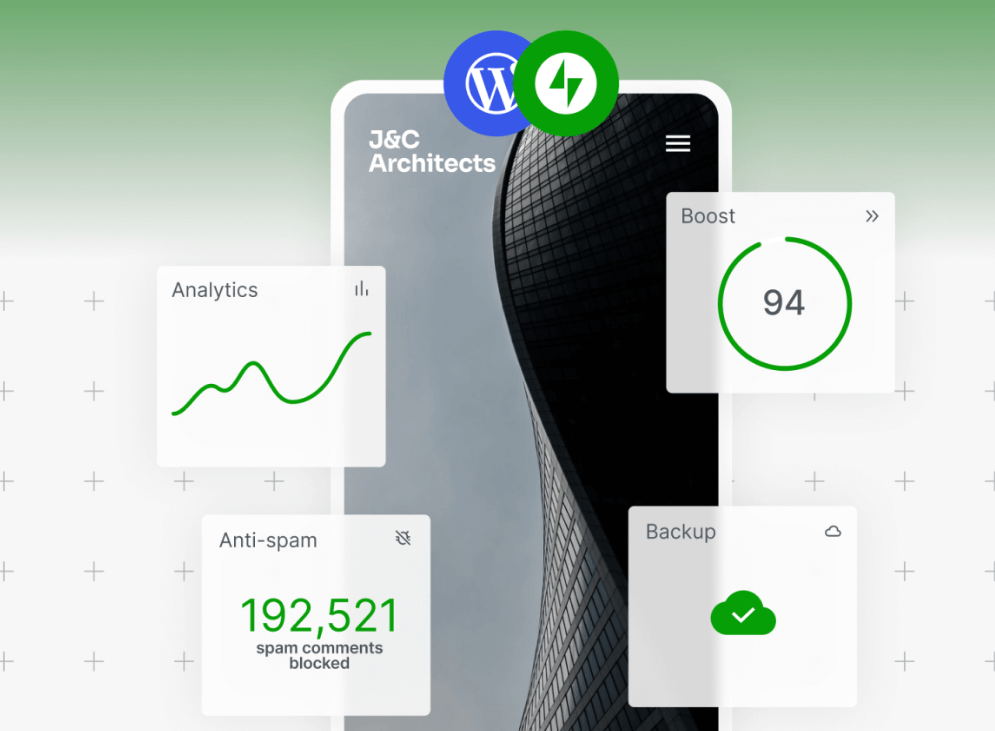
JetPack provides SEO and analytics through WordPress. (Source: WordPress.com)
Ghost is best for email and newsletter-led businesses that monetize audiences via subscriptions and membership tools.
Ghost is the best CMS for newsletter-focused marketing teams that want to publish high-quality content, grow an audience, and manage memberships. The publishing tools, whitelabel branding, and built-in support for subscriptions make it ideal for thought leadership and community-led growth.
Although access to custom themes isn’t included in the base plans, Ghost is a strong choice for marketers who rely heavily on content distribution and direct audience engagement.
| Plans and Pricing | Monthly | Annual |
| Starter | $18 | $15 |
| Publisher | $35 | $29 |
| Business | $239 | $199 |
| Custom | Custom pricing | |
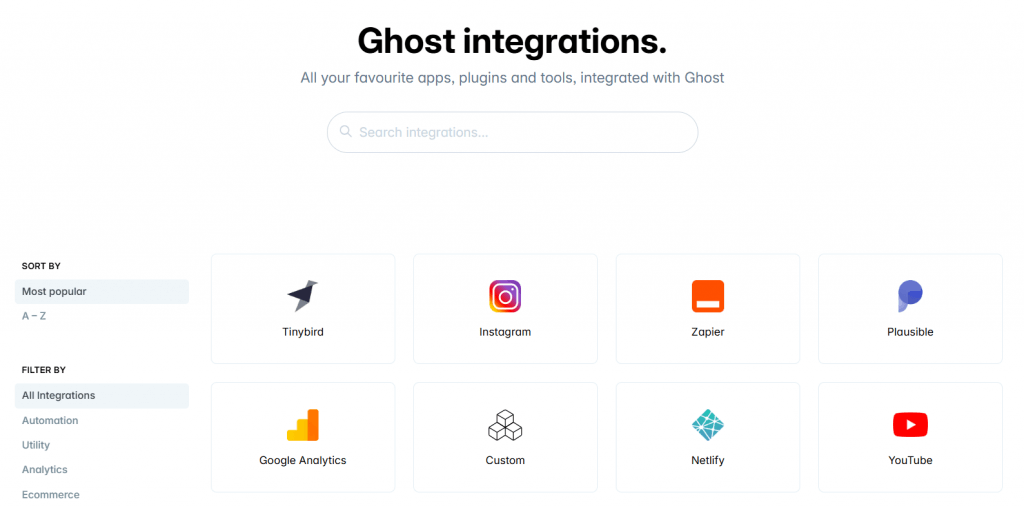
The Ghost integration library includes access to social media platforms and analytics. (Source: Ghost)
Choosing the best CMS for your business requires balancing ease of use, customization, marketing capabilities, and cost. The best option depends on how your team builds content, how advanced your marketing tactics are, and which tools you need to integrate.
Identify your primary marketing goal
Start by clarifying your goals and what you need your CMS to accomplish. While some teams need simple page creation and brand content, others prioritize experimentation, personalization, or CRM-driven marketing. Therefore, having a clear goal helps narrow down your options.
Match features to your content and campaign workflows
Good CMS platforms support landing page creation, blog content, SEO, lead capture, basic analytics, and integrations. If your team runs multichannel campaigns or relies heavily on automation, choose a platform that offers more robust marketing tools or native CRM integration.
Evaluate your team’s technical expertise
If your team is small or lacks development support, prioritize ease of use. Platforms like Wix and Squarespace help marketers publish quickly without custom coding. More advanced CMS platforms and enterprise subscriptions offer additional features but tend to require greater involvement from developers or technical partners.
Understand the total cost of ownership
Pricing varies significantly across CMS providers. Some systems charge low monthly rates, while others require contracts, add-ons, or seat-based billing. Therefore, it’s important to factor in hosting, themes, plugins, apps, and potential development costs as you scale.
Check integration requirements early
Your CMS should fit into your marketing tech stack. Review which third-party tools your team depends on, such as CRM systems, email platforms, or analytics tools. Choosing a CMS with strong integrations reduces complications later.
If you’re evaluating CMS platforms alongside CRM options, see our guide to the 6 Best Open Source CRMs.
To identify the best CMS platforms for marketing teams, I used a scoring framework built around pricing, features, usability, support, and expert analysis.
I reviewed each provider using publicly available information, platform documentation, and hands-on product knowledge.
The best CMS varies based on your marketing needs. Teams prioritizing ease of use might prefer Wix or Squarespace, while those requiring CRM integration or advanced automation could benefit from HubSpot Content Hub.
Some CMS platforms include built-in personalization features, while others need external tools. Platforms like Optimizely and HubSpot Content Hub offer more advanced personalization options for teams seeking customized experiences.
A low-cost CMS can work for smaller teams, but growing businesses often need features such as automation, advanced analytics, and CRM integration. Consider scalability when comparing plans.
Most CMS platforms support migration, but complexity varies. Simple sites often migrate easily, while content-heavy or customized sites may require technical assistance or a structured plan. Additionally, some CMS platforms offer integrations with other sites to simplify the migration process, so consider switching to one that integrates well with your current tools.
With the right CMS, your website becomes a more effective tool for generating leads, increasing engagement, and supporting long-term growth.
From my research, Wix is best for fast website development, while Squarespace excels in creative personalization, and Optimizely delivers enterprise-level digital experience management.
Additionally, marketers already using HubSpot CRM may prefer HubSpot Content Hub, while WordPress and Ghost offer affordable, scalable solutions for long-form content and newsletter-driven strategies.
However, the best CMS for your marketing strategy is the one that aligns with how your team works and the goals you want to achieve.
Pairing your CMS with the right marketing and sales tools amplifies your results. Keep your tech stack connected, track performance consistently, and revisit your CMS needs as your strategy evolves.
Want more actionable insights? Subscribe to the Selling Signals Newsletter.

Selling Signals delivers actionable advice for sales and marketing professionals. Learn strategies that help you hit targets, strengthen customer relationships, and win more business. Get expert advice on lead generation, sales processes, CRM software, sales management, and account management directly to your inbox.
Property of TechnologyAdvice. © 2026 TechnologyAdvice. All Rights Reserved
Advertiser Disclosure: Some of the products that appear on this site are from companies from which TechnologyAdvice receives compensation. This compensation may impact how and where products appear on this site including, for example, the order in which they appear. TechnologyAdvice does not include all companies or all types of products available in the marketplace.