
Not every lead shows up with a clean profile or an active work email. Sometimes all you have is an address, a phone number, or a missed call. That’s when free reverse address lookup and phone search tools become a fast way to verify who you’re dealing with.
These tools help sales and marketing teams qualify inbound leads, enrich incomplete contact records, and personalize outreach before a call ever happens. In this guide, I’ll break down how reverse lookups work, what data you can realistically expect from free tools, and which providers are worth trying in 2026, plus some tips to use them responsibly.
How does reverse address & phone lookup work?
Reverse lookups help you identify a person or business using a single piece of information, such as a phone number or street address.
For sales and marketing teams, that’s useful because lead data often arrives incomplete. You might get an inbound call from an unknown number, a list of addresses with missing contact names, or a prospect record with partial information that needs verification.
Here’s the basic process:
- Enter a phone number or address into a lookup tool’s search bar.
- The tool searches its database of public records, data-broker sources, and online listings to find matches.
- You’ll typically receive a small preview of contact information, and many tools will offer a paid report if you want deeper details.
- Depending on the provider, you can then run a reverse lookup (e.g., find phone numbers tied to an address or an address history tied to a phone number).
Most tools pull from overlapping, but not identical, data sources. That’s why you might see one provider surface a full name, while another only lists a city or state.
Free options tend to work best for quick identification and lead validation, while paid plans usually provide deeper information, such as address history, possible relatives, email, and sometimes business affiliations.
When sales teams use reverse lookup tools
Reverse lookup is most useful when sellers are trying to qualify leads quickly or reduce time spent on bad contact records, such as:
- Inbound calls from unknown numbers that require screening before prioritizing a callback
- Incomplete form fills where the address is provided, but there isn’t a phone number or email address
- List validation to confirm a lead matches the account or territory
- Pre-call prep, which can identify the right person and context before outreach
In each of these cases, the goal isn’t to replace your CRM software or enrichment platform, but to fill gaps fast so you can move a lead forward or disqualify it with confidence.
What information can reverse lookups reveal?
The most basic reverse phone lookup tool or free plan typically reveals a person’s name, location, demographics, and other contact information, such as email or social profiles.
More advanced tools and paid plans often provide more detailed profiles of the person, revealing personal details such as their estimated income, employment history, and education. Some offer full background checks that even reveal criminal history, tax records, and more.
Below is a list of the types of information a reverse lookup tool can help you find.
- Name: Uncover the full name of the person who called you.
- Demographics: Learn their age, gender, and other key info.
- Location: Find their current and past addresses, as well as co-residents.
- Contact information: Find the person's email addresses and other phone numbers.
- Social media: Reveal their social accounts, dating profiles, and photos.
- Family members and associates: Learn about any relatives and co-workers.
- Personal details: Reveal their estimated income, criminal record, property ownership, interests, marital status, business information, employment history, education, and more.
5 best practices for reverse lookup in sales
Reverse lookup tools can save sales reps time and effort, but only if you use them strategically. Since many platforms pull from overlapping data sources (and some prioritize upselling), these best practices can help you get better results, avoid wasted time, and streamline your workflow.
1. Start with free reverse address lookup tools
Most websites offering reverse lookup tools include a free people search function, which can provide even more information about the person before you purchase a paid plan. Just type in their name and other info you have into the search bar.
2. Cross-check results with LinkedIn and company domains
Even when a tool gives you a name, it’s smart to verify it using:
- The company website
- Business directories
- Your CRM or data enrichment tool
This extra step helps prevent mismatches, like contacting the wrong “John Smith.”
3. Treat lookup data as a lead clue, not a final truth
Reverse-lookup data can be incomplete, outdated, or shared among multiple people, so you should use it as a starting point rather than the final destination. Instead, do your due diligence by validating data before building messaging around it.
4. Watch for trial traps & upsells
Many lookup tools blur search results or attempt to draw in purchases with language like “shocking details” or “complete report available.” In reality, most reports vary widely depending on how much data exists for the person.
If you choose to pay for a report or make the jump to monthly billing, do it because you have a clear purpose, such as:
- Confirming a prospect's identity before a high-value call
- Identifying whether a call is legitimate
- Enriching a lead record missing key fields
Avoid paying just because of a marketing gimmick or the possibility of a dramatic reveal.
5. Choose the right tool for your sales team
Not all reverse lookup tools are built for sales teams. For example:
- If you’re doing high-volume outbound sales, a B2B data enrichment tool may be better because it focuses on work emails, job titles, and direct dials.
- If you’re doing inbound callbacks or online lead verification, free reverse lookup tools can be enough.
- If you’re doing a high-stakes lead qualification, a paid report may be worth it, but only when you’re confident it supports revenue impact.
Top 8 reverse address lookup and phone search tools
Now that you have some background on how to use these tools, I’ve compiled a list of eight of the best reverse phone lookup tools. These tools are either free or offer a free plan.
In the descriptions below, I will highlight each tool's unique features, including whether it offers business-focused services, free options, or mobile applications. Additionally, I will share the information that each tool reveals and the costs associated with different plans.
1. Whitepages
Best for: Broad directory & identity confirmation
Whitepages is a popular tool for reverse phone and free reverse address lookups, particularly useful for sales teams that need to quickly verify the identity behind a phone number or address before proceeding with outreach.
Companies seeking a comprehensive database and thorough background checks can rely on this platform as one of the most established and reputable people-search companies.
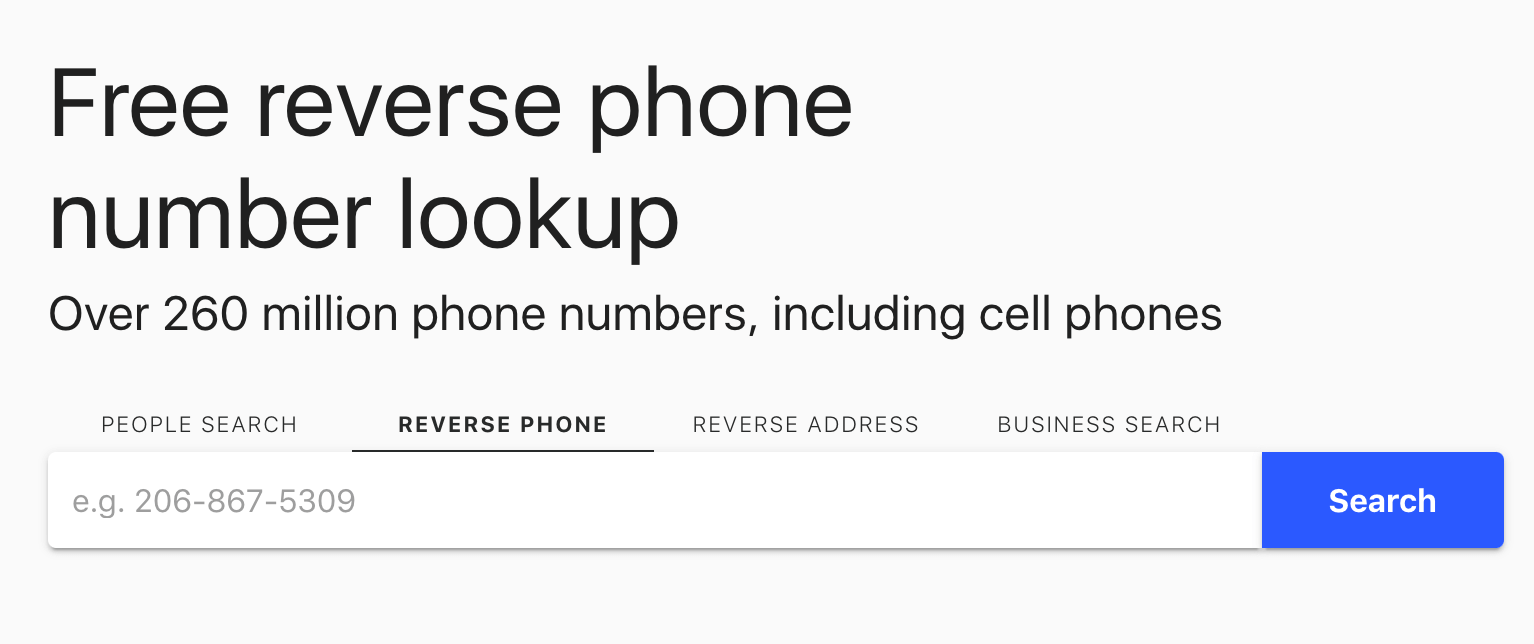
Use Whitepages for reverse phone and address lookups. (Source: Whitepages)
2. Spy Dialer
Best for: Free ID checks on unknown numbers
Spy Dialer is a go-to option when you want a free lookup tool to find a caller’s identity and listen to their outgoing voicemail. It’s especially helpful for sales teams handling inbound calls or following up on missed calls where you only have a phone number to start with.
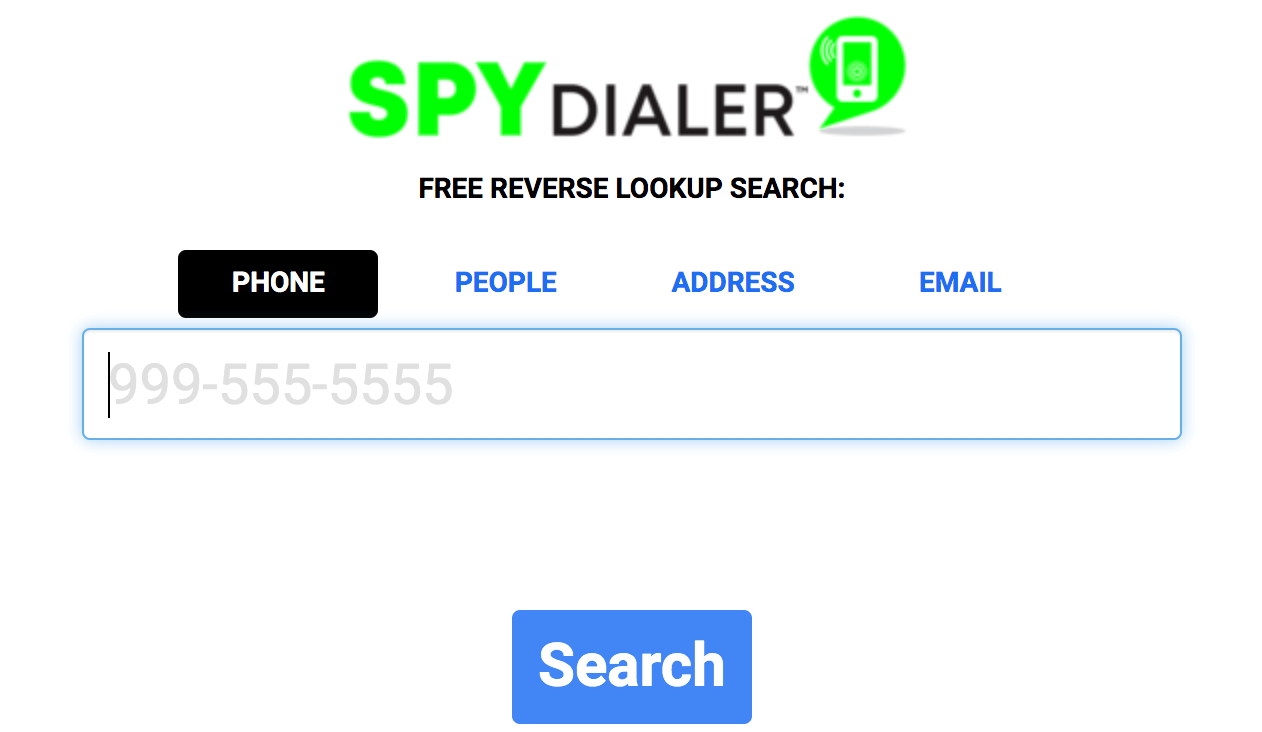
Perform free reverse lookups from a phone number with Spy Dialer. (Source: Spy Dialer)
3. PeopleFinders
Best for: Occasional deep dives without committing to a high-cost platform
PeopleFinders is useful when free tools don’t provide enough clarity, and you need more context before moving a lead forward. While it’s not fully free, it offers affordable one-off reports that can help sales teams fill in missing details tied to a phone number or address.
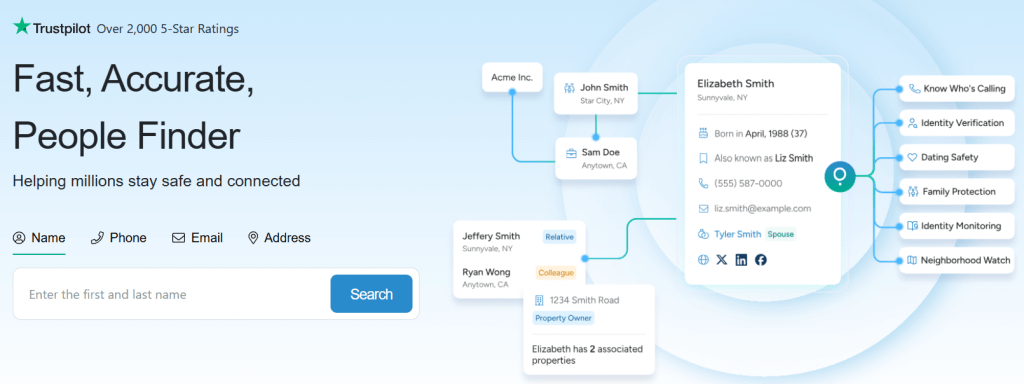
Find detailed and accurate contact data with PeopleFinders. (Source: PeopleFinders)
4. TruePeopleSearch
Best for: Basic people & address matching
TruePeopleSearch is a no-cost option for sales teams that want quick access to identity data without subscriptions or trial traps. It supports both reverse phone lookup and free reverse address lookup, making it a useful starting point when validating basic lead information.
Use relationship data to gain detailed insights into contacts. (Source: TruePeopleSearch)
5. Lusha
Best for: B2B contact data and sales prospecting
Lusha is a B2B-focused contact enrichment platform designed to help sales and marketing teams find professional contact information. While it’s not a traditional consumer lookup tool, it complements free reverse address lookup and reverse phone searches by helping teams turn partial lead data into usable business contacts.
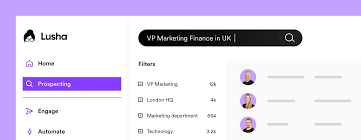
Search contact data for more efficient B2B prospecting. (Source: Lusha)
6. Spokeo
Best for: Contact enrichment and online profile discovery
Spokeo combines reverse phone lookup and free reverse address lookup with data from social networks, public records, and online sources. It’s useful when sales teams want a broader context about a lead beyond just a name and location.
Discover information about individual contacts through search results and reports. (Source: Spokeo)
7. BeenVerified
Best for: In-depth people searches and detailed background information
BeenVerified is a more robust people search platform that goes beyond basic reverse phone and free reverse address lookup results. It’s best suited for situations where sales teams want deeper insight into a lead’s background before investing time in high-value outreach.
Gather detailed B2B data on individual contacts with BeenVerified. (Source: BeenVerified)
8. Sync.me
Best for: Mobile-first caller ID + contact verification
Sync.me is a mobile-first reverse-lookup app that identifies callers in real time. It’s useful for sales teams that rely heavily on inbound calls or work primarily from mobile devices, and it pairs well with free reverse address lookup tools used for deeper research.
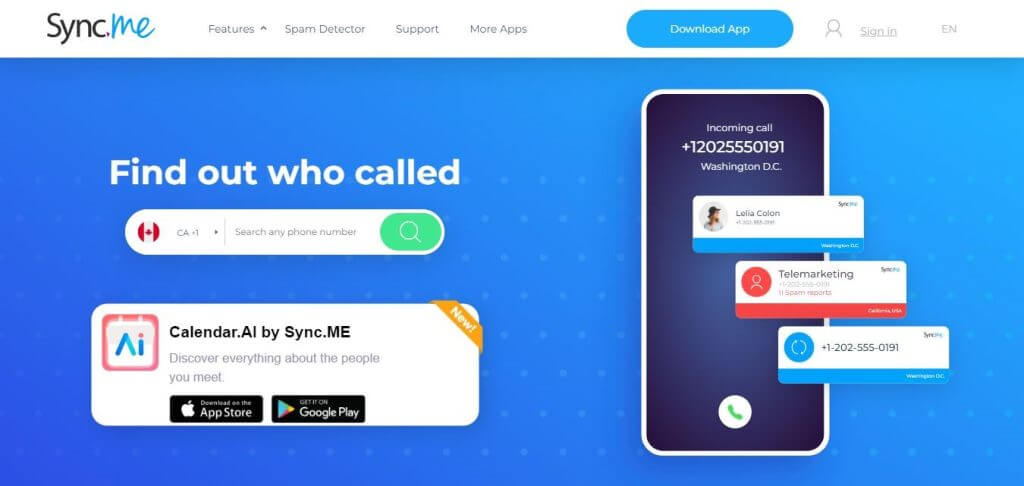
Integrate with business apps for streamlined customer data. (Source: Sync.me)
Frequently asked questions (FAQs)
Are reverse address lookup tools legal to use for sales?
Reverse address lookup tools are legal to use, but it’s essential to adhere to applicable laws, including the GDPR (General Data Protection Regulation) and the CCPA (California Consumer Privacy Act). When selecting a platform, it’s important to choose those that comply with regulations such as the Fair Credit Reporting Act (FCRA). One notable resource is Whitepages, which is FCRA-certified, making it a reliable option for these types of searches.
Why do reverse lookup tools show different results?
Reverse lookup tools can show varying results because each platform uses distinct sources and databases to gather information. This reliance on different combinations of public records can lead to variations in data quality and the range of information accessible, so remember to use platforms that offer the type of data you are interested in.
What’s better for B2B: reverse lookup tools or contact enrichment software?
Choosing between reverse lookups and contact enrichment software for B2B teams depends on your goals. If you need to identify anonymous website visitors or conduct quick lookups, a reverse lookup tool is best. However, if you want to maintain a clean, scalable database in your CRM for ongoing sales and marketing, contact enrichment software is the better option.
Bottom line
Reverse phone lookup tools are invaluable for sellers, enabling better call preparation, accurate identification of inbound leads, and more effective lead qualification. Whether you opt for a free tool that provides basic contact details or a premium service that offers deeper insights, such as employment history and professional connections, selecting the tool that aligns with your most critical data needs is essential. By integrating reverse phone lookups into your sales strategy, you can boost efficiency and close more deals.
